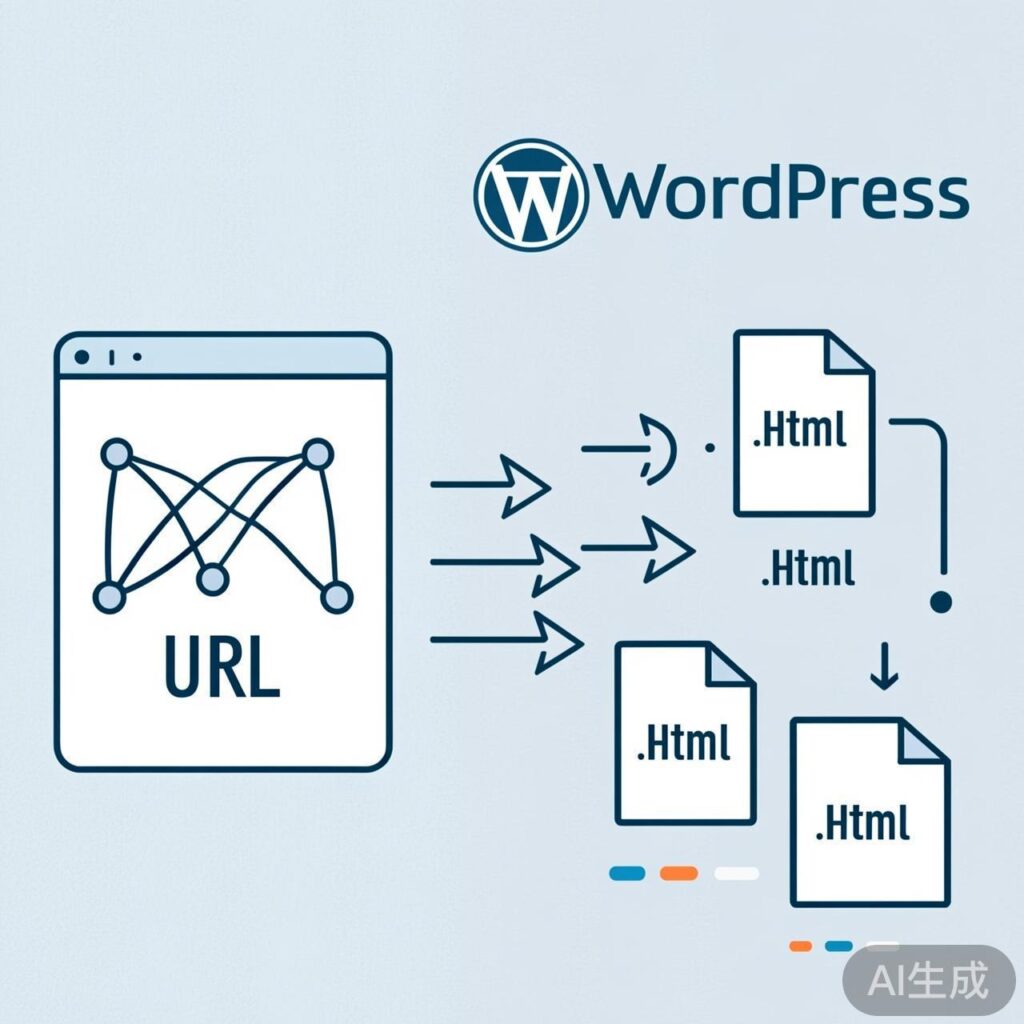
在 WordPress 中,通过重写规则可以自定义页面、文章、分类和标签的 URL 结构,使其更符合 SEO 或用户习惯。以下代码示例展示了如何为页面、标签、分类以及自定义文章类型添加 .html 后缀的伪静态 URL。
核心重写函数
将以下代码添加到主题的 functions.php 文件中,或创建一个自定义插件。
// WordPress 自定义分类、标签、页面的URL伪静态格式,加.html后缀
function custom_page_rules() {
    global $wp_rewrite;

    /** page页面自定义URL样式 **/
    $wp_rewrite->page_structure = $wp_rewrite->root . 'page/%pagename%.html';

    /** tag页面自定义URL样式 **/
    $wp_rewrite->extra_permastructs['post_tag']['with_front'] = '';
    $wp_rewrite->extra_permastructs['post_tag']['struct'] = $wp_rewrite->extra_permastructs['post_tag']['with_front'] . 'tag/%post_tag%.html';

    /** category页面自定义URL样式 **/
    $wp_rewrite->extra_permastructs['category']['with_front'] = 'category';
    $wp_rewrite->extra_permastructs['category']['struct'] = $wp_rewrite->extra_permastructs['category']['with_front'] . '/%category%.html';
}
add_action( 'init', 'custom_page_rules' );
代码说明
- 页面 (Page): 将页面 URL 重写为
/page/sample-page.html格式。 - 标签 (Tag): 将标签 URL 重写为
/tag/tag-name.html格式。 - 分类 (Category): 将分类 URL 重写为
/category/category-name.html格式。
注意: 修改后,必须进入 WordPress 后台的 设置 > 固定链接 页面,点击“保存更改”以刷新重写规则。
自定义文章类型的 URL 重写
对于自定义文章类型(例如 video),需要同时修改链接生成和重写规则。以下示例将 video 类型的文章 URL 重写为 /video/{ID}.html 格式。
// WordPress 自定义文章类型 video 以 id.html 重写
add_filter('post_type_link', 'custom_video_link', 1, 3);
function custom_video_link( $link, $post = 0 ){
    if ( $post->post_type == 'video' ){
        return home_url( 'video/' . $post->ID .'.html' );
    } else {
        return $link;
    }
}
add_action( 'init', 'video_rewrites_init' );
function video_rewrites_init(){
    add_rewrite_rule(
        'video/([0-9]+)?.html$',
        'index.php?post_type=video&p=$matches[1]',
        'top' );
    add_rewrite_rule(
        'video/([0-9]+)?.html/comment-page-([0-9]{1,})$',
        'index.php?post_type=video&p=$matches[1]&cpage=$matches[2]',
        'top'
        );
}
代码说明
- post_type_link 过滤器: 修改自定义文章类型
video的永久链接生成逻辑,将其输出为/video/123.html格式。 - add_rewrite_rule: 添加两条重写规则,分别匹配文章主页面和分页评论页面。
- 重要提示: 同样,添加此代码后,必须访问 设置 > 固定链接 并保存一次,以刷新重写规则。
常见问题与注意事项
- 规则冲突: 确保新的重写规则不会与现有的页面或文章 slug 冲突。
- 刷新规则: 每次修改重写规则后,必须在固定链接设置页面保存一次。
- 性能: 过多的复杂重写规则可能会轻微影响性能,建议仅在必要时使用。
- 原文修正: 原文代码中
‘with_front’使用了中文引号,已修正为英文单引号'with_front'。同时,在 HTML 输出中,&符号已正确转义为&。
你好 看到你们网站有关于WordPress的内容,我这边有一篇关于WordPress服务器加速的文章,可以放到你们网站吗
https://shimo.im/docs/Dp6V3yCKjygRHttq/ 《wordpress国内网速慢加速及防DDOS攻击快速CF切换教程》
这软文 和网站推广的方式不错
只接受独家的 你到处去发布的 我免费帮你做外链 做推广吗?
你如果写的一篇独家的 可以跟我联系